

Prerequisites
- You must have a WhatsApp Business API account live on Sinch India to use this integration.
- You must have a MoEngage account to connect with Sinch India WhatsApp.
Sender Configuration
- Go to Settings > WhatsApp > Sender Configuration.
- Choose Sinch India from the menu on the left and click on + Sender.
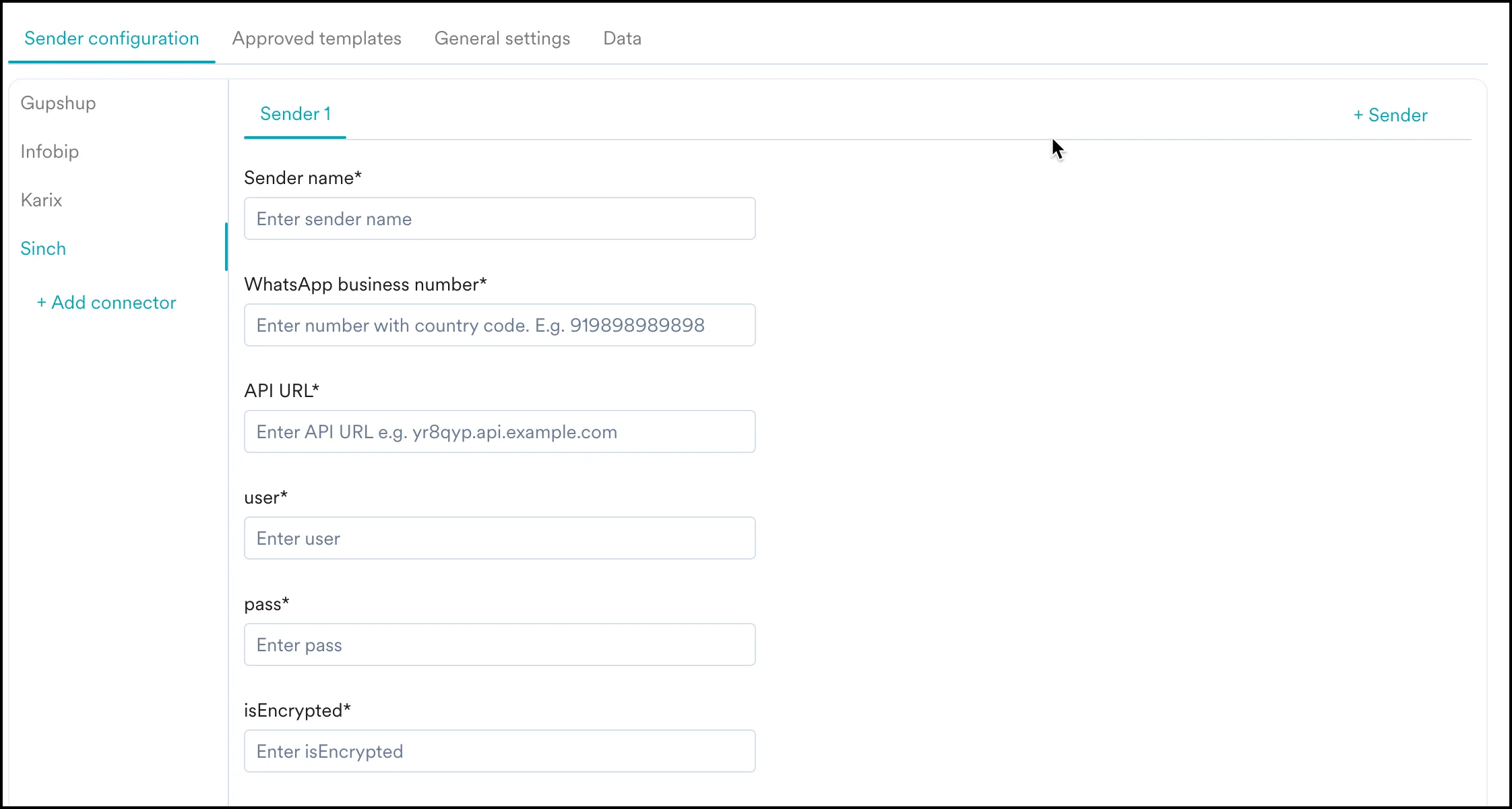
| Field Name | Description |
|---|---|
| Sender Name | This field denotes the name you want to provide to the Sender profile. This would be available in the Sender so that you can recognize this easily while using it to create a campaign inside MoEngage. The Sender Name should be between 5-50 characters. This is a mandatory field. |
| WhatsApp Business number | This field denotes the phone number registered with WhatsApp via Sinch India using which you want to send out WhatsApp Messages to your users. This is a mandatory field and is also referred to as the WABA number. |
| API URL | Enter the HTTP / HTTPS endpoint as provided by Sinch India. |
| user | Enter the username provided by Sinch India. |
| pass | Enter the password provided by Sinch India. |
| isEncrypted | Default value: false |
Delivery Tracking
To track the delivery of your WhatsApp messages inside MoEngage, you would need to copy the MoEngage Delivery Tracking URL and share it with Sinch India to get it updated on their side. The delivery tracking URL is available on the MoEngage Dashboard as shown below: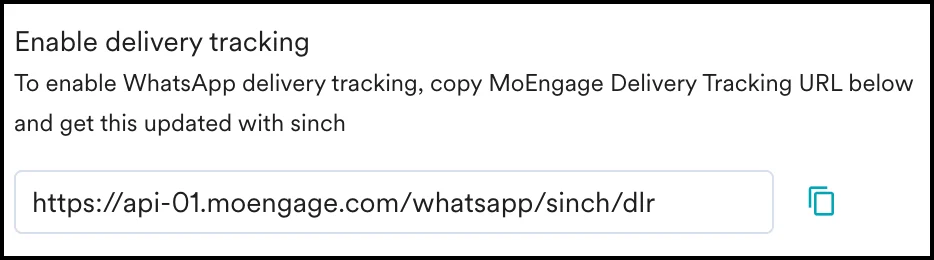
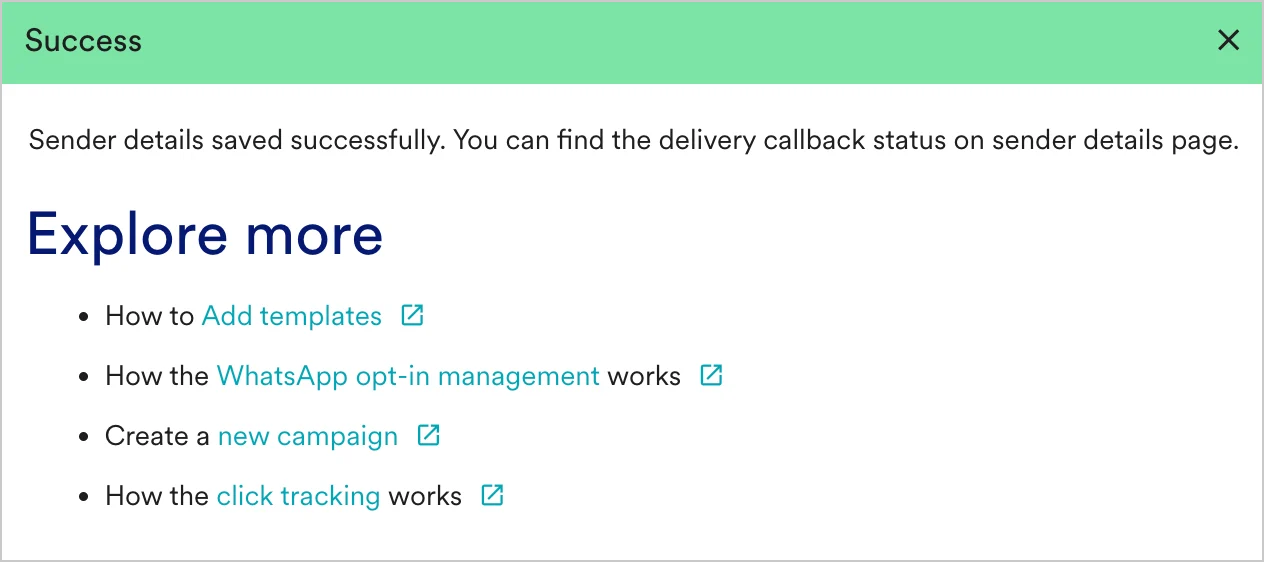
The URL in the image above is a sample URL. Copy the exact URL from your MoEngage dashboard and share it with the Sinch India team.