

- This is a one-time setup; you will only be required to do this step again if the app secret or user token becomes invalid.
- The FB settings can be added/modified by a user with Admin access to the MoEngage dashboard. For more information, refer to access roles.
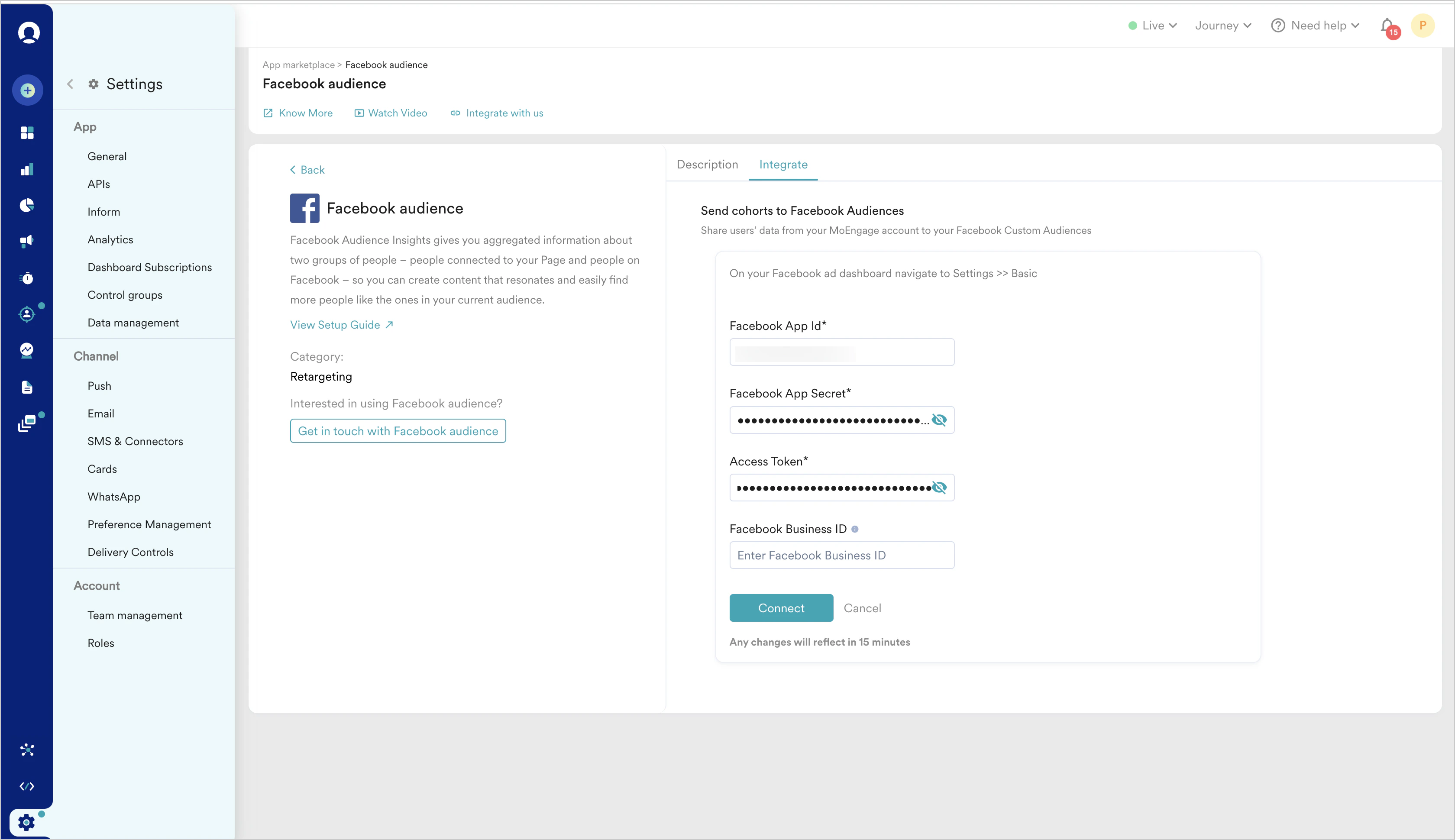
- App ID:
- Go to https://developers.facebook.com/apps/. Select the app you want to sync. App ID is present on the top bar on the left
- Alternatively, you can go to https://business.facebook.com/settings/apps. Select the app you want to sync & copy the App ID present below the app name
- App secret:
- In your FB app dashboard, go to Settings > Basic
- Under App secret, click Show.
- If prompted, enter the password and you will get your App secret.
- Access token:
- Go to your FB app dashboard and select the app you want to sync with MoEngage.
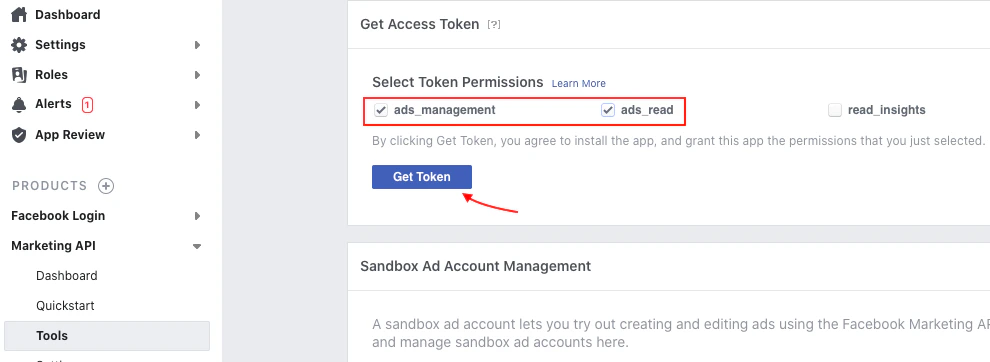
- Go to Marketing API > Tools > Get Access Token
- Select ads_management & ads_read permissions
- Click Get Token button
- Alternatively, you can obtain access token from the FB’s Graph API explorer as explained here.
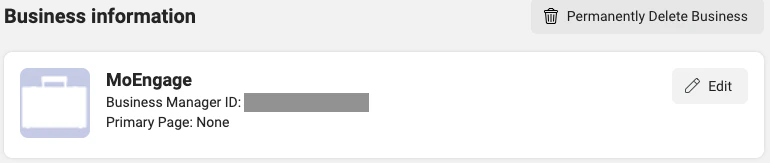
- Business ID (Optional):
If you run into an error while connecting your account or syncing audiences, such as a
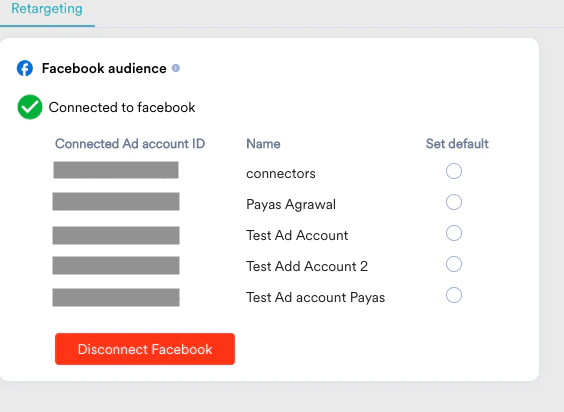
business_management permission error, see Troubleshoot common errors in FB Audience.- We need these fields to fetch all the Ad accounts from your account. We would also need the access token every time when the campaign will run where we would need to make an API call to the FB.
- The access token you have entered above is a short-lived access token. It is valid only for a few hours. Once you provide this access token to us, we will convert it into a long-lived access token and store it on our end and we will also extend the token at our end.
- The long-lived access token has a longer expiration time, such as 60 days or Never. We will periodically check for token validity, and if the token is about to expire within the next 7 days, we will extend the token validity. To retrieve an extended token, app ID & app secret are required.
- If the user token or app secret is no longer valid, then we will notify you to update the fields on the settings page.
- In case the access token is not mapped to any Business ID, the default ad account associated with the user will be fetched and result in a Permissions Error (Business account needed to create/edit this audience). Ensure that your access token is mapped to the appropriate business ID in Meta’s Settings.