

-
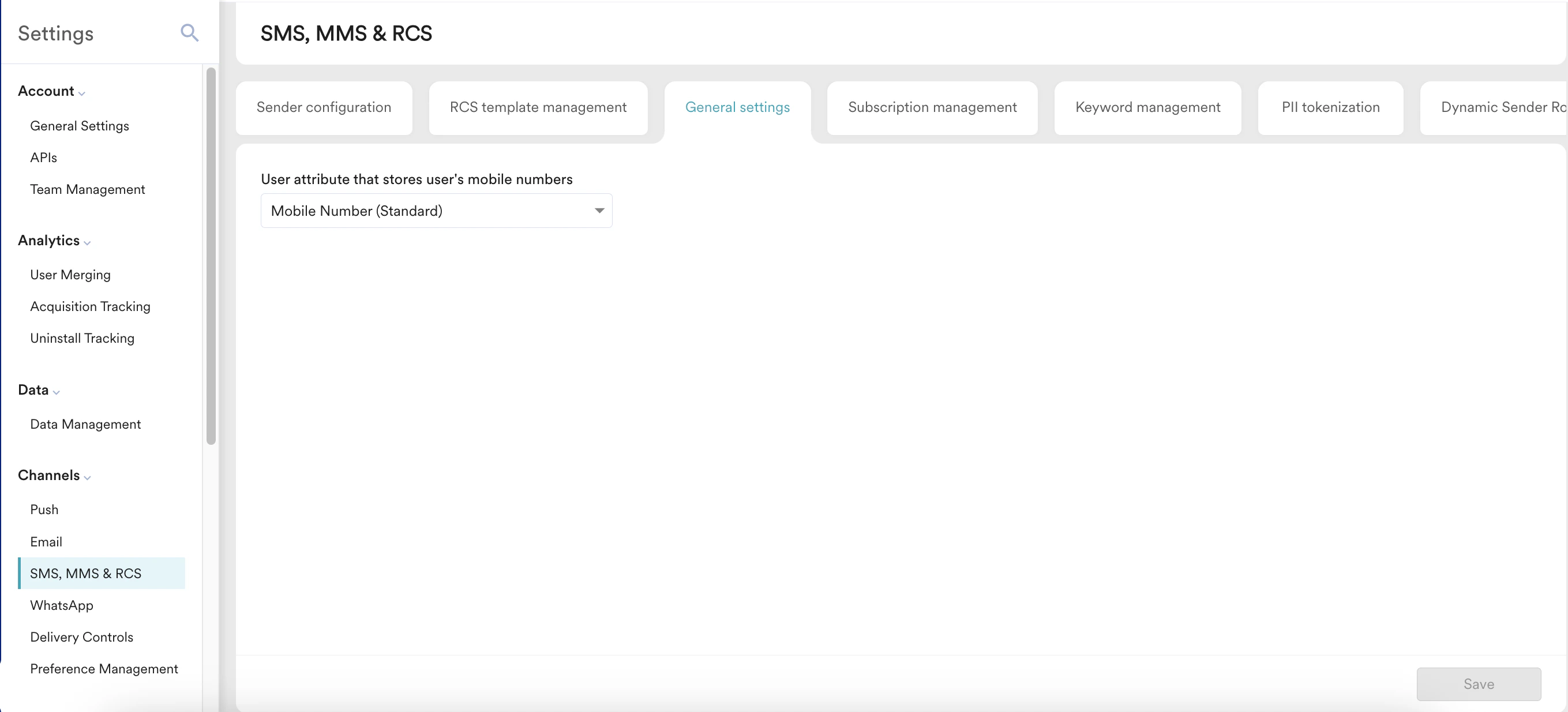
On the left navigation menu in the MoEngage UI, go to Settings > Channels > SMS, MMS & RCS > General settings.
The following option is available:
- Click Save to save the configuration.
-
You can also set the mobile number format for the application. Click the Set the mobile number format link. You are taken to the Mobile number management page. For more information, refer to Mobile Number Standardization.
Configure SMS, MMS & RCS General Settings
Configure general settings for SMS, MMS, and RCS channels in MoEngage, including mobile number format options and default messaging preferences.
This article describes how to configure the General Settings for the SMS, MMS & RCS channels.