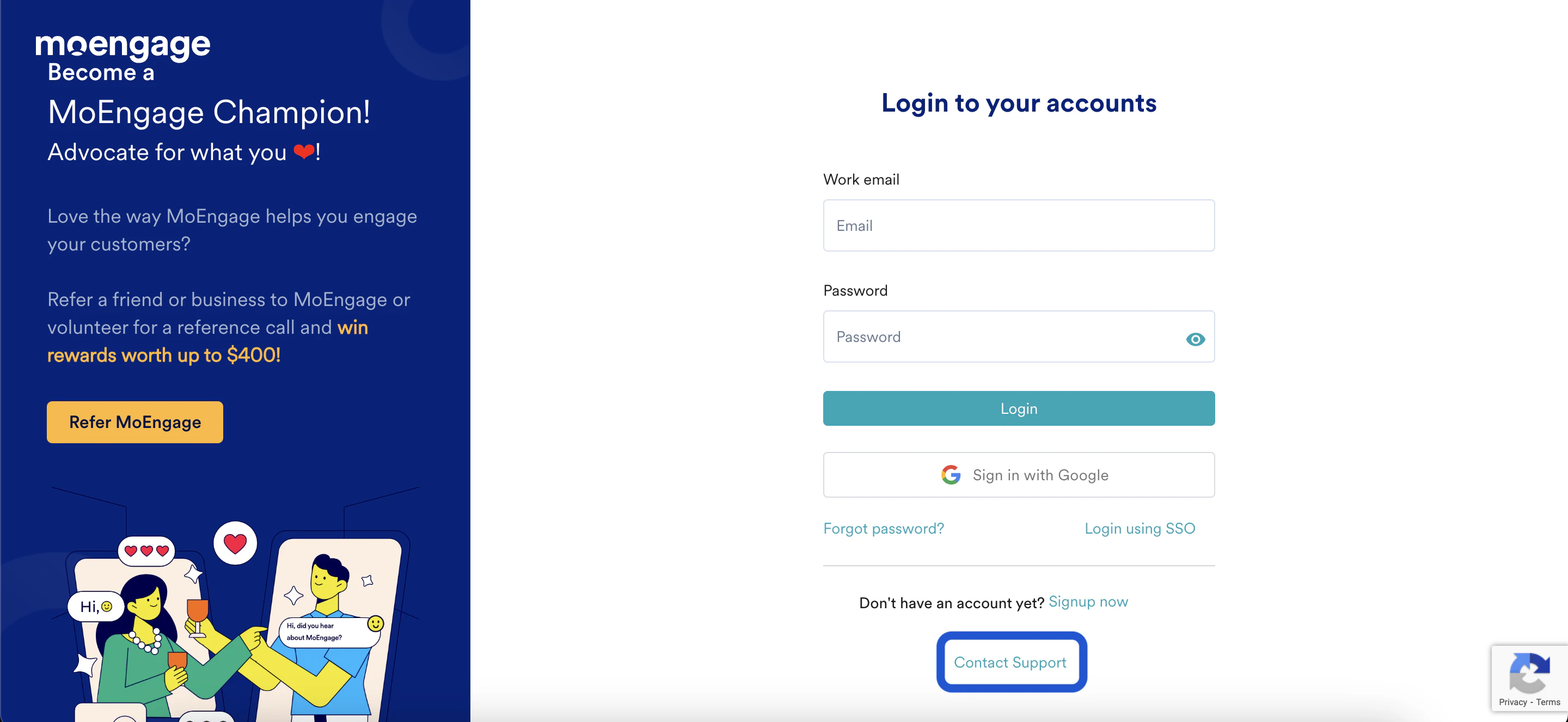
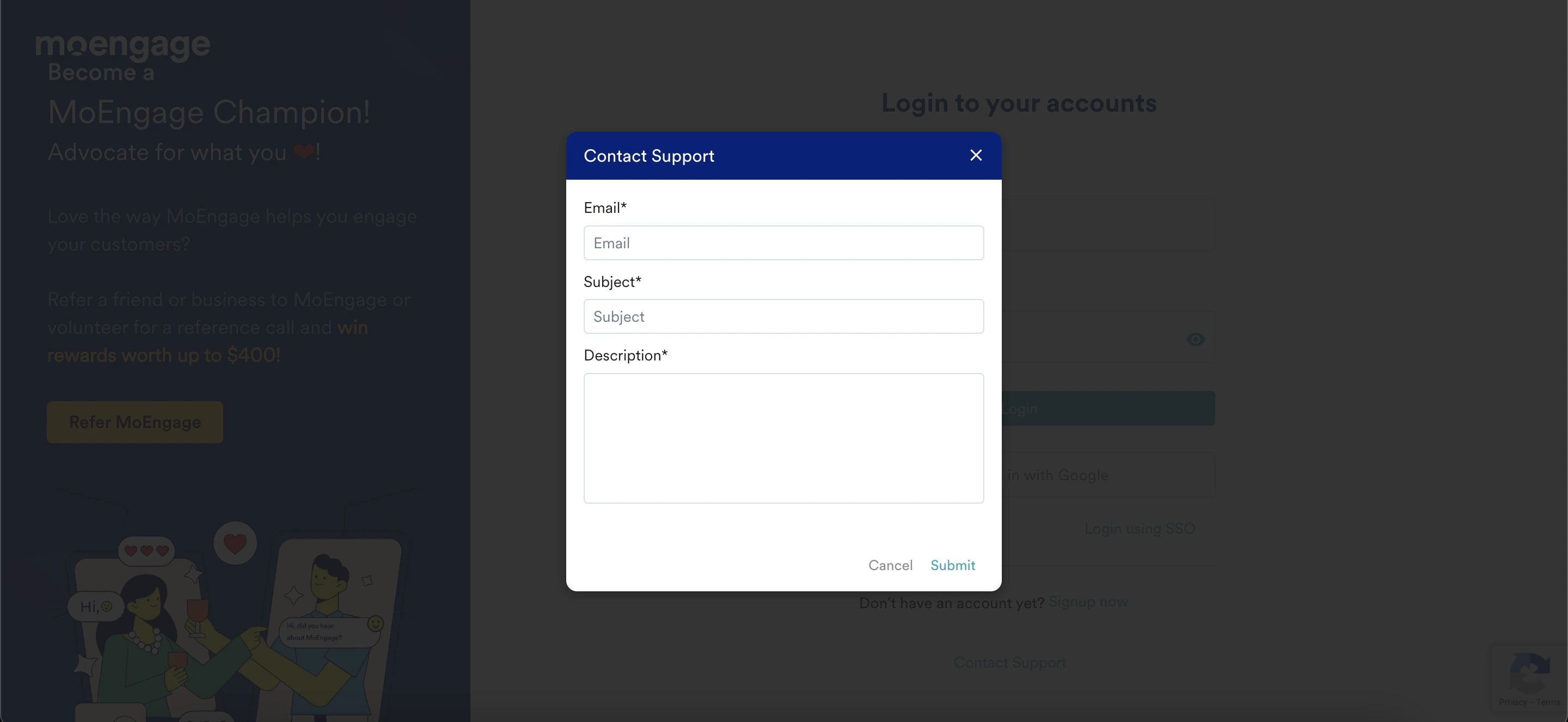
Raise a Support Ticket from the MoEngage Login Page
Step-by-step guide to raising a MoEngage support ticket directly from the login page for issues with passwords, SSO, Google Sign-In, or 2FA.
This section provides step-by-step instructions to raise a support ticket from the MoEngage login page for all issues related to login (username / password, Google Sign-In, SSO), password reset and 2FA.
Ensure that you use the correct URL of the dashboard to raise a ticket.