Problem

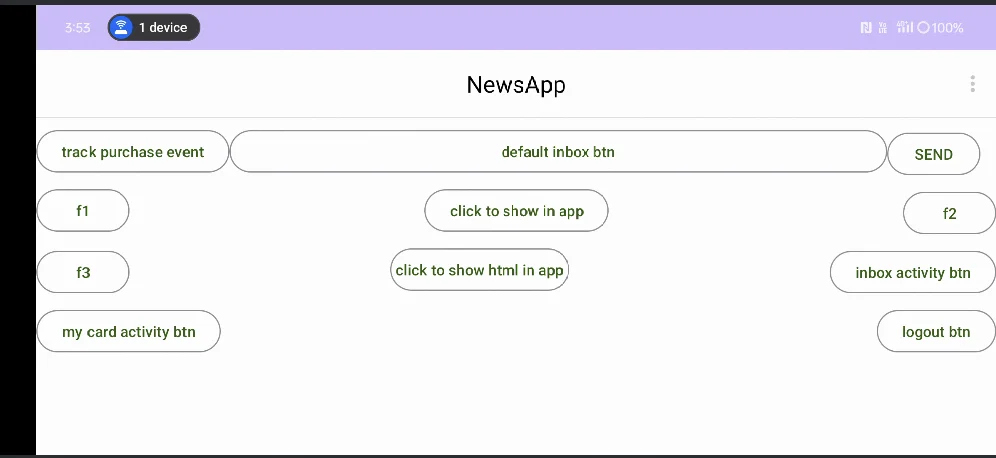
Native in-apps are limited to portrait mode when usingonConfigurationChanged(), which prevents landscape orientation, whereas HTML in-apps support both orientations.

Instructions

  1. Open the Handling Configuration link, change, and override the code in your activity or fragment.
Kotlin
override fun onConfigurationChanged(newConfig: Configuration) {
  super.onConfigurationChanged(newConfig)
  MoEInAppHelper.getInstance().onConfigurationChanged()
}
InformationThis method notifies the MoEngage SDK when a configuration change occurs for an activity or fragment that Android does not handle.
  1. To manually manage configuration changes for an activity or fragment, you must add the android:configChanges="orientation" attribute to the relevant <activity> tag within your AndroidManifest.xml file.
AndroidManifest.xml
<?xml version="1.0" encoding="utf-8"?>
<manifest xmlns:android="[http://schemas.android.com/apk/res/android](http://schemas.android.com/apk/res/android)"
    xmlns:tools="[http://schemas.android.com/tools](http://schemas.android.com/tools)">
    
    <application
        android:name=".MyApplication"
        android:allowBackup="true"
        android:dataExtractionRules="@xml/data_extraction_rules"
        android:fullBackupContent="@xml/backup_rules"
        android:icon="@mipmap/ic_launcher"
        android:label="@string/app_name"
        android:roundIcon="@mipmap/ic_launcher_round"
        android:supportsRtl="true"
        android:theme="@style/Theme.MyApplication"
        android:usesCleartextTraffic="true"
        tools:targetApi="31">
        
        <activity
            android:name=".ui.MainActivity"
            android:configChanges="orientation"
            android:exported="true" /> 
        
    </application>

</manifest>
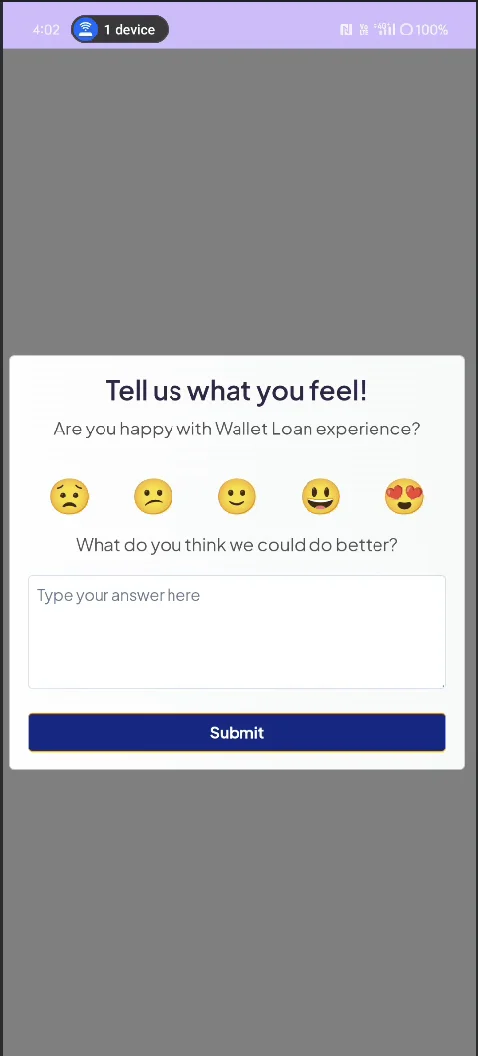
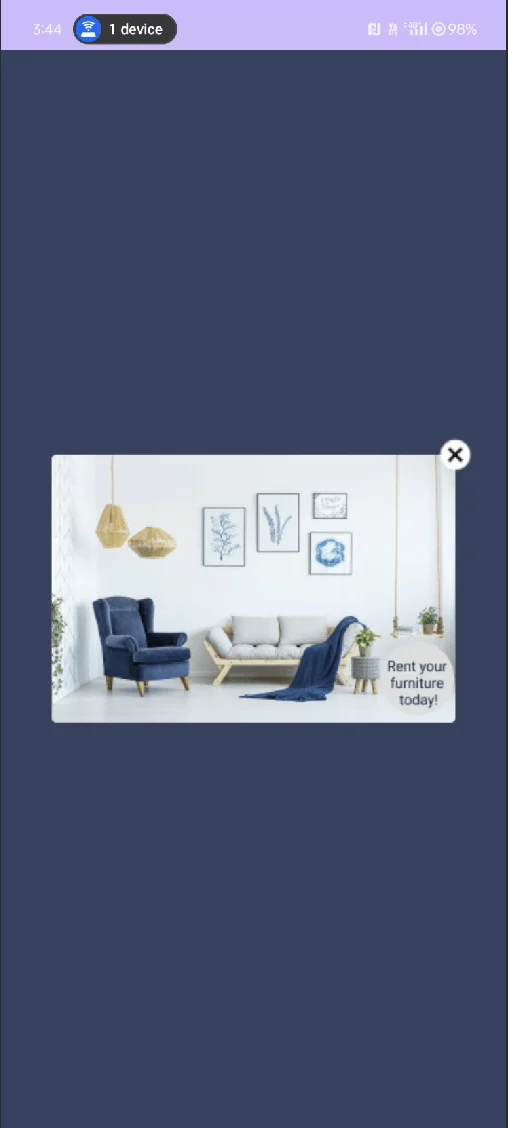
  1. Run the Native app with this setup, call showInApp() in onResume, and the in-app will appear in its default portrait mode.
3 2
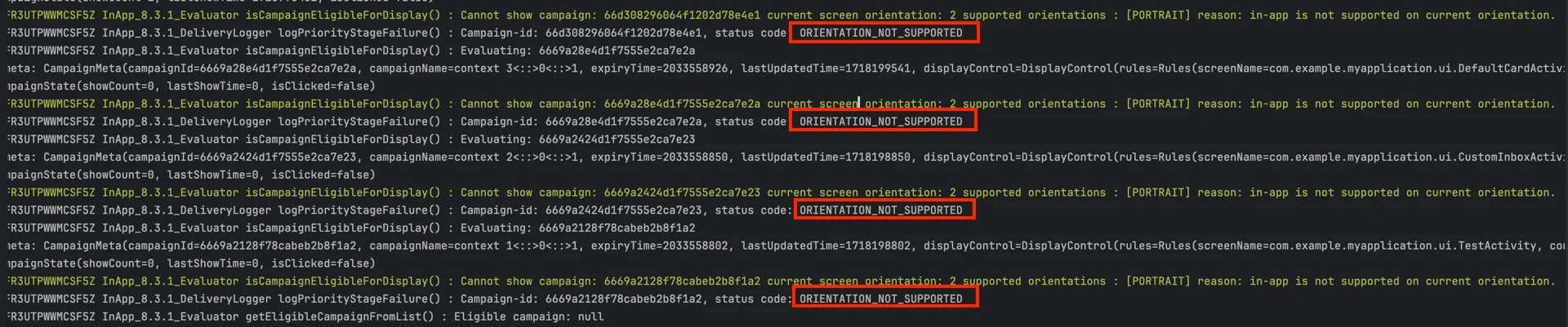
  1. When orientation changes, the in-app disappears and displays ORIENTATION_NOT_SUPPORTED for the native in-app campaign.
4 2
5 1
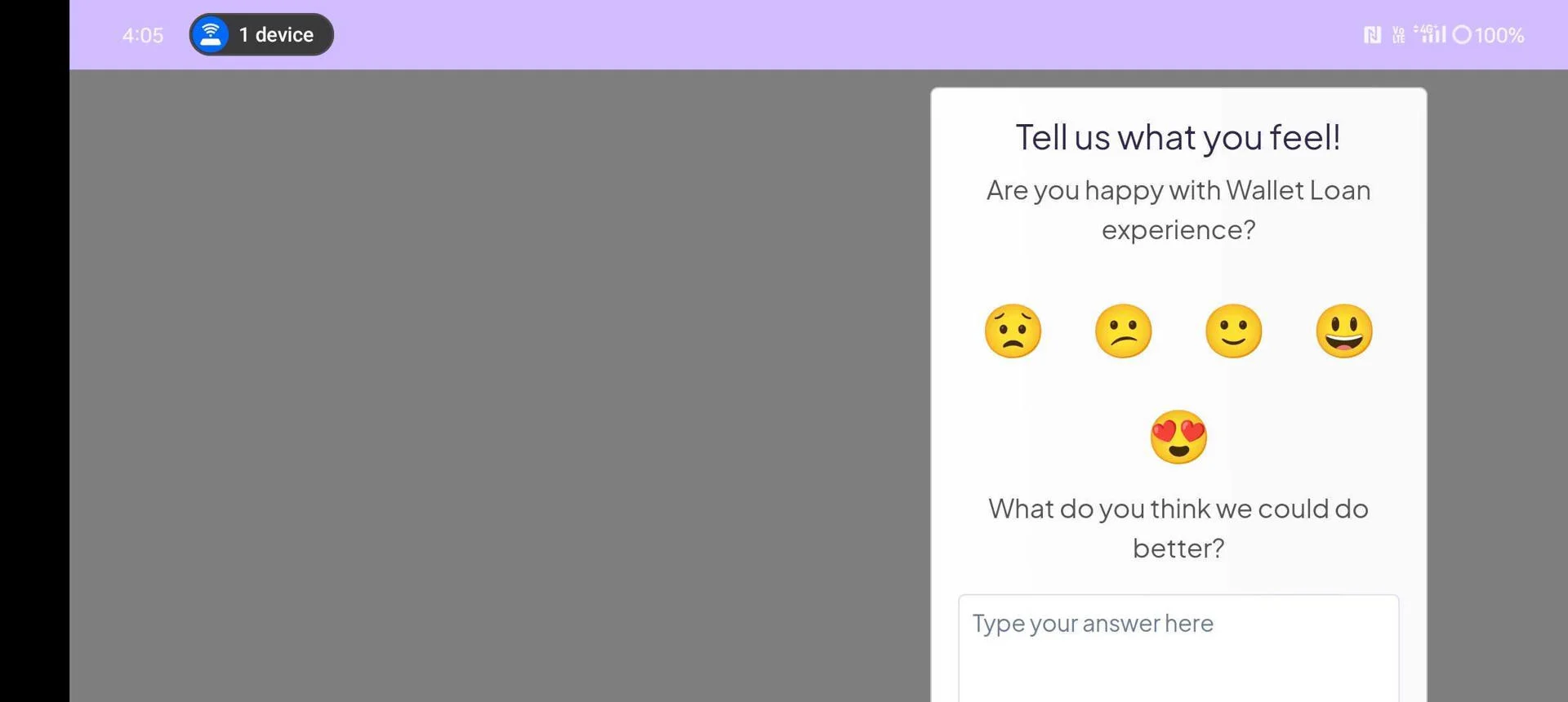
  1. HTML in-apps support both portrait and landscape orientations. Internally, onConfigurationChanged() calls ConfigurationChangedHandler’s showInAppOnConfigurationChange() of the HTML in-app.
7 1
8
9