Multiple Conversion Goals
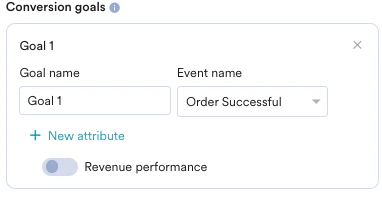
Multiple Conversion Goals in Flows provide marketers with the option to track up to 5 user events that, when performed, would be reflective of the success of your flow. You can also track the revenue accumulated from one of the conversion goals also. Multiple conversion goals can be used for- Tracking the intermediate steps taken by the user while performing the primary conversion goal
- Example: “Add to cart” is an intermediate step required for the user to “Purchase” an item
- Users who have completed their primary conversion goal will be forcefully exited from the flow if the exit on conversion toggle is enabled.
- Tracking the Auxiliary events the user may perform as a result of delivered campaigns from the flow
- Example: “Add to wishlist” would also register as the success of the campaign even if the user does not actually go ahead and performs the “purchase”.
Tracking Revenue Performance
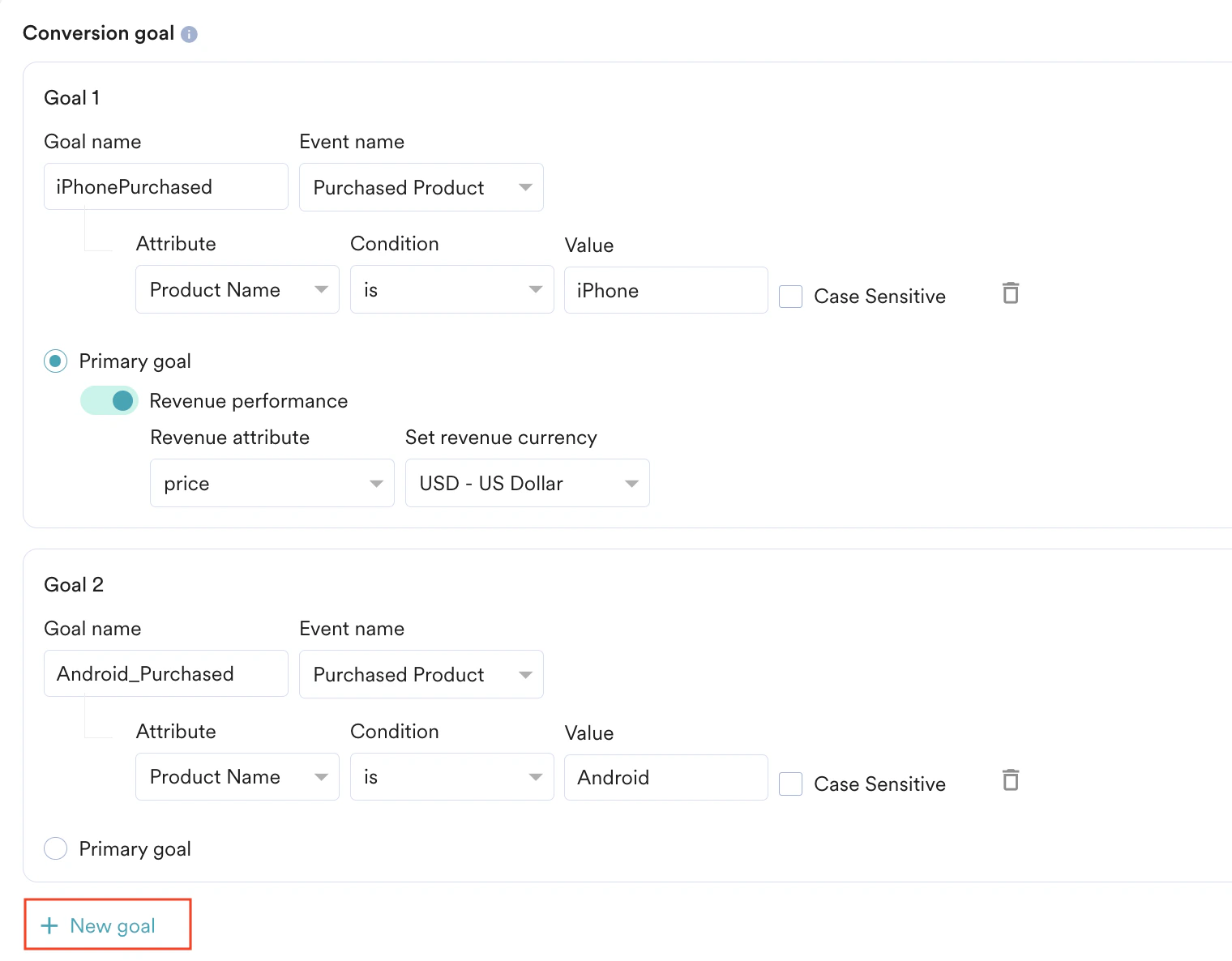
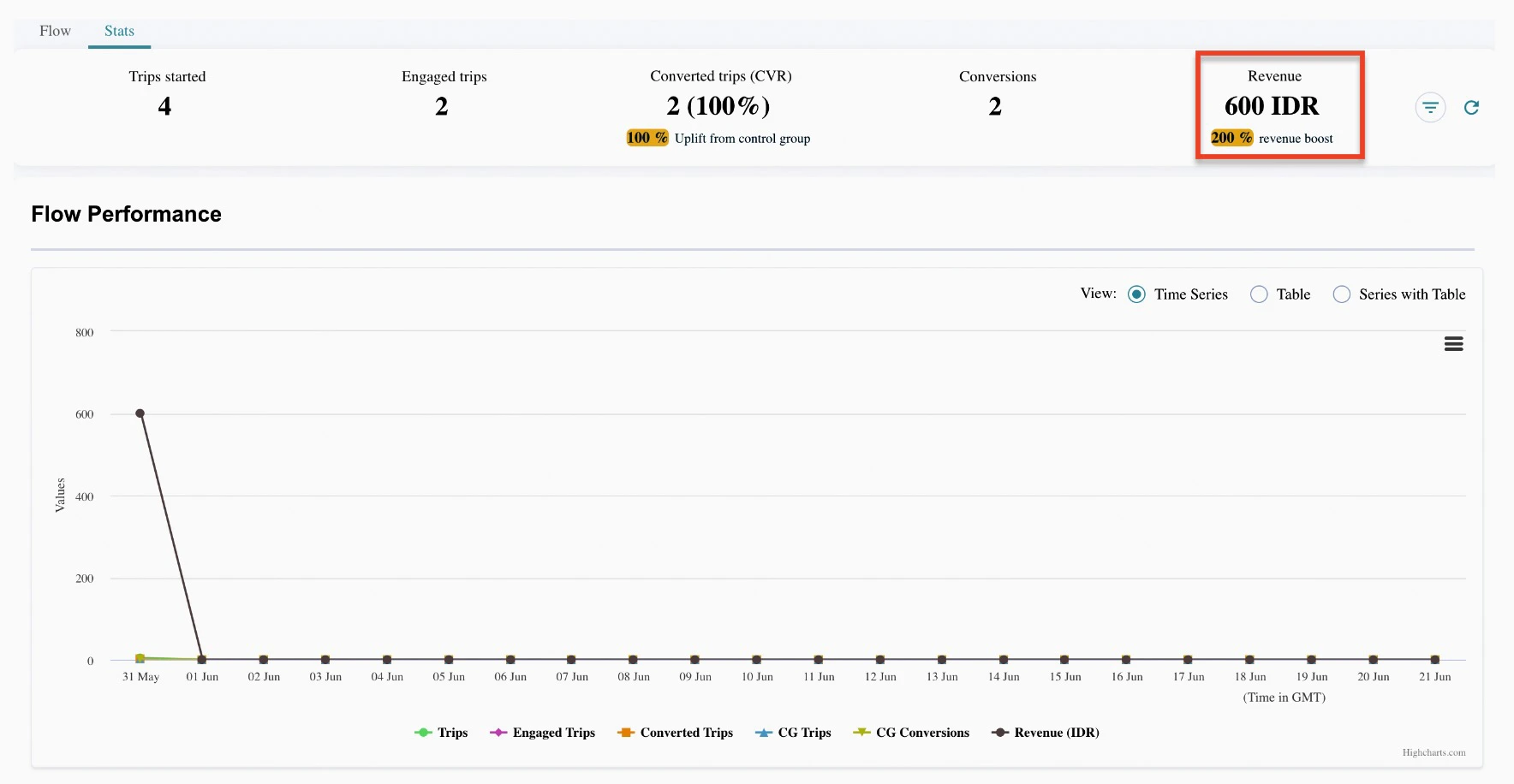
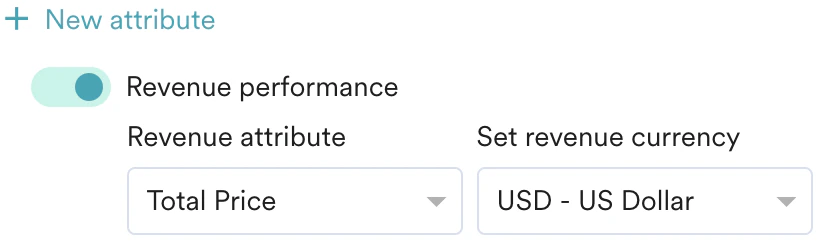
With MoEngage, you can very easily track revenue for your campaigns. Revenue and return on investment (RoI) of the campaigns are available to you. With multiple conversion goals, you can now track more than one business metric or can visualize a funnel for your user actions. For example, you want to track that after publishing a flow, how many customers made the Purchase event for Product iPhone. Your conversion goal set-up will look something like this. Here iPhonePurchase is the Goal Name; Purchased product is the App Event that you want to track; product name is attribute having value as iPhone