Availability of this feature depends on your MoEngage plan and may require a paid add-on. To check what’s available for your plan, refer to Plans and Pricing. To get this feature, contact your MoEngage Customer Success Manager (CSM) or the Support team.
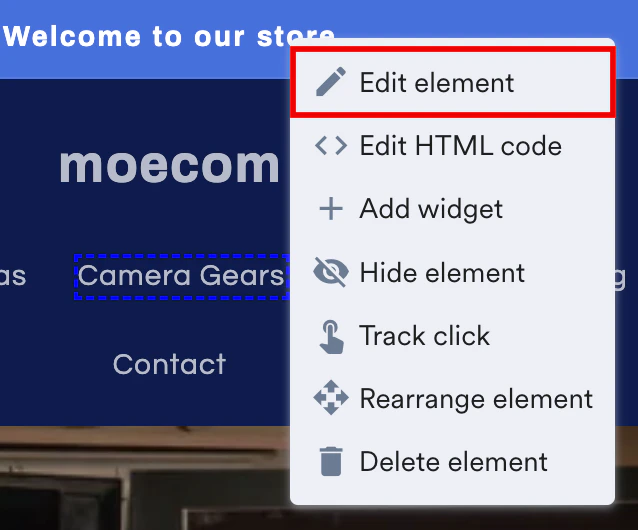
- Elements
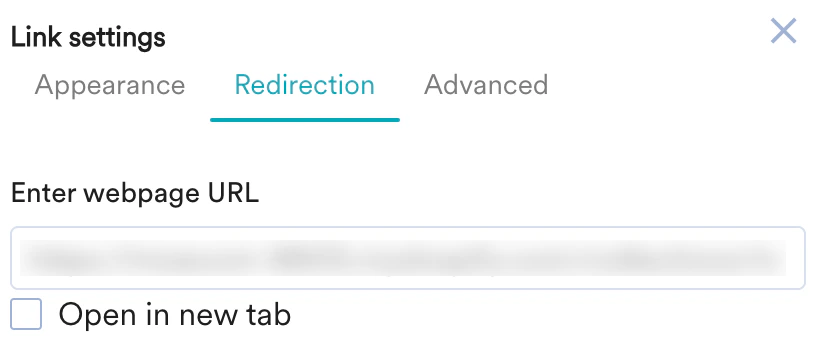
You can edit the selected element in the following two sections:
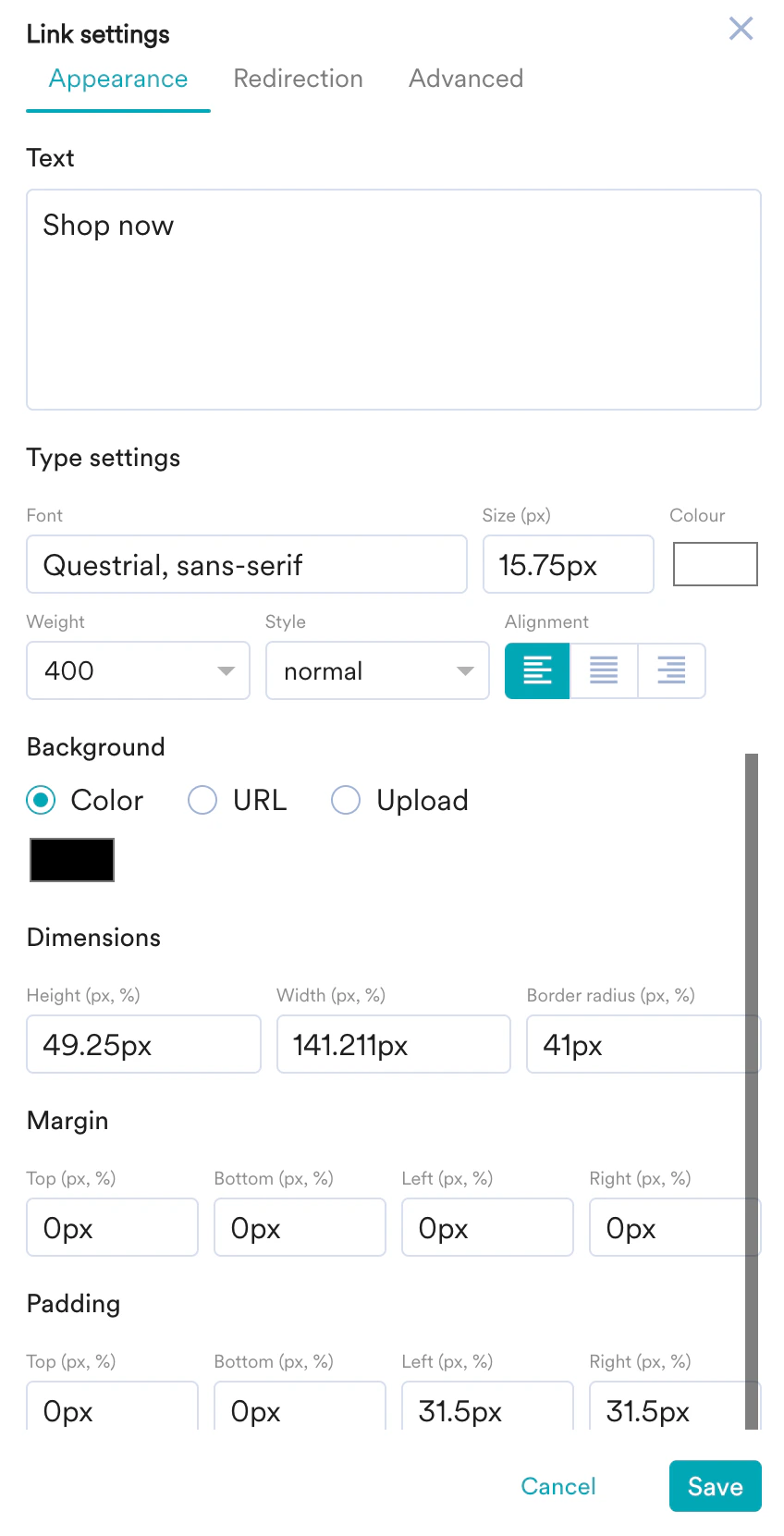
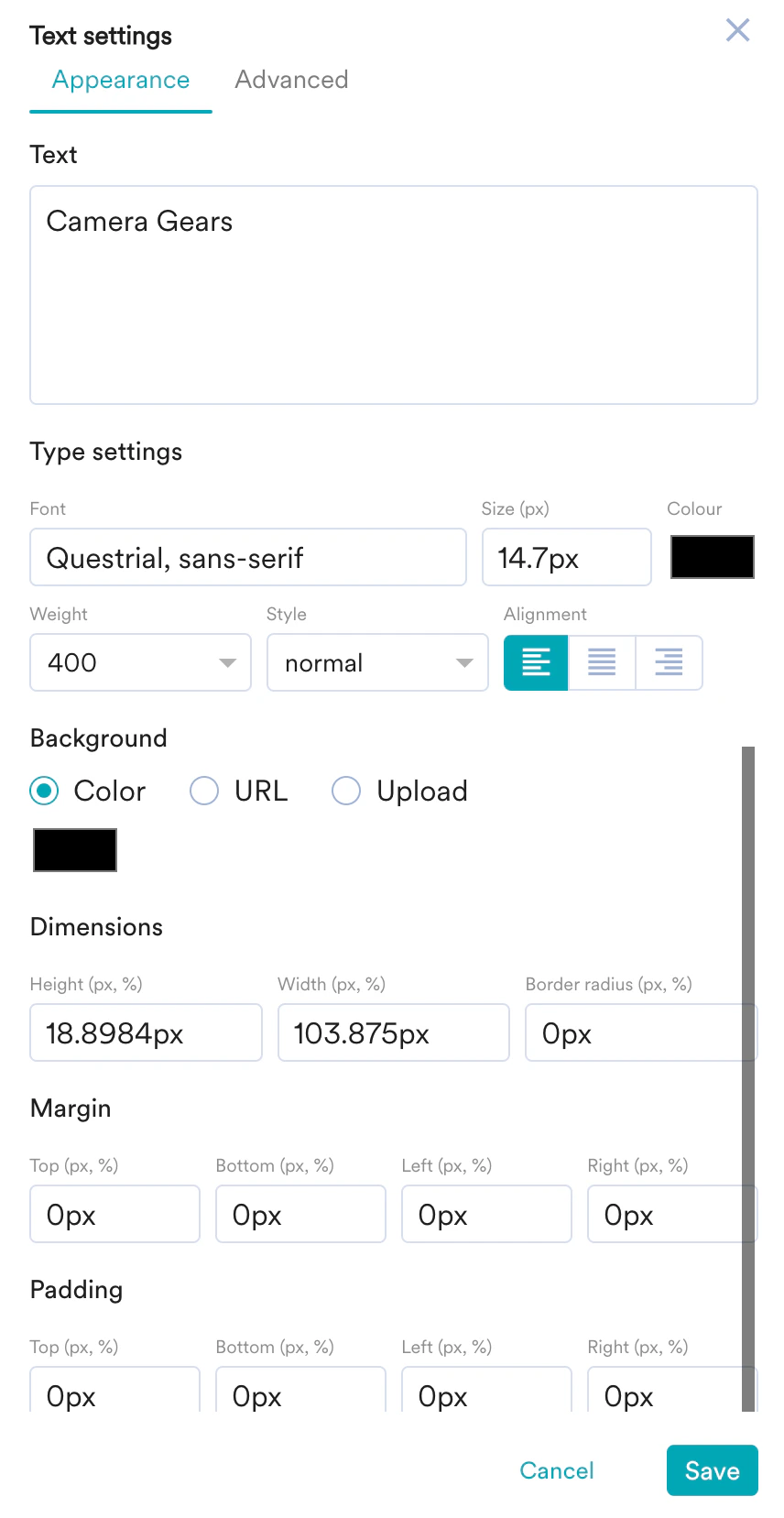
- Appearance
- Text: Add relevant text on the selected element.
- Type Settings: Customize the Font style, size, color, weight, and alignment of the text.
- Background: You can make the following edits to the background of the selected element:
- Change the background color.
- Embed an image URL.
- Upload a background image from your local storage.
- Dimensions: Set the Height, Width, and Border radius of the selected element in pixels or percentages.
- Margin: Set the Top, Bottom, Left, and Right margins for the selected element in pixels or percentages.
- Padding: Set the Top, Bottom, Left, and Right padding to generate space around the text inside the borders of the selected element.
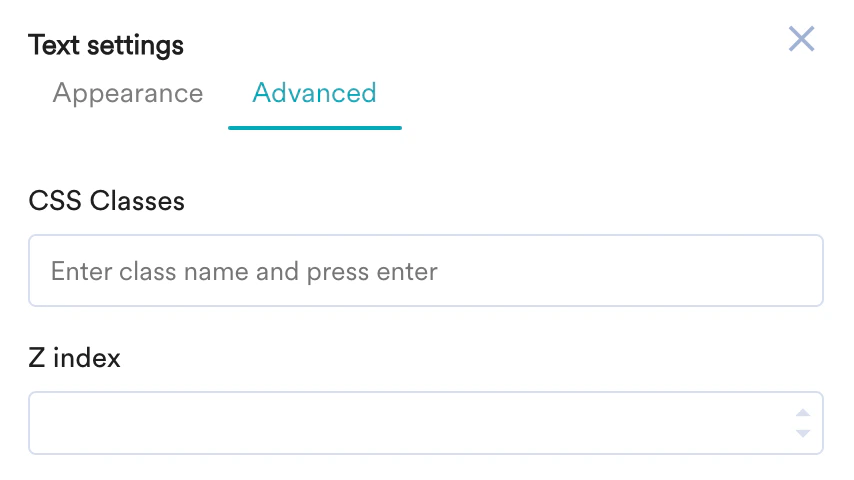
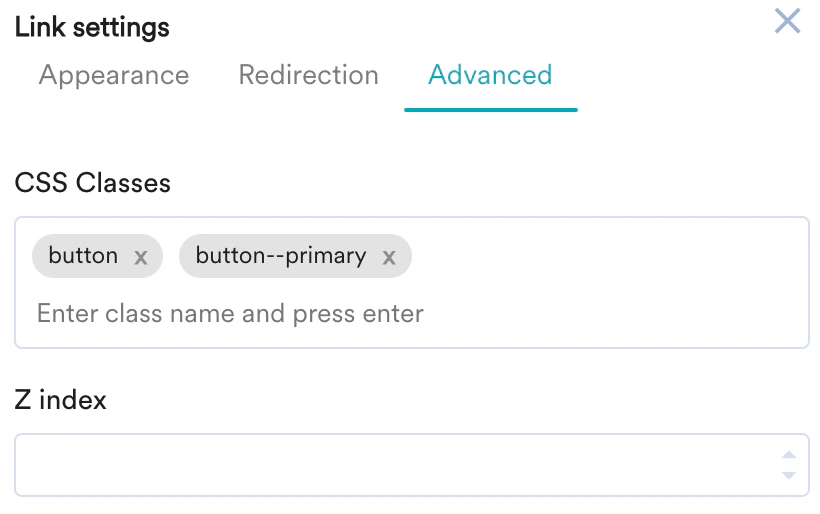
- Advanced
You can also use custom scripts to edit the selected element. - CSS Classes: Enter the class name to apply the custom styles to the selected element.
- Z index: Enter the Z index value to change how the selected element is displayed when it overlaps with other elements.