
Documentation Index

Fetch the complete documentation index at: https://moengage.com/docs/llms.txt

Use this file to discover all available pages before exploring further.

To hide an element,
  • Click on the element you want to hide on your web page
  • Select Hide element. This will navigate you to the HTML code window of that particular element, where you can edit it in HTML.
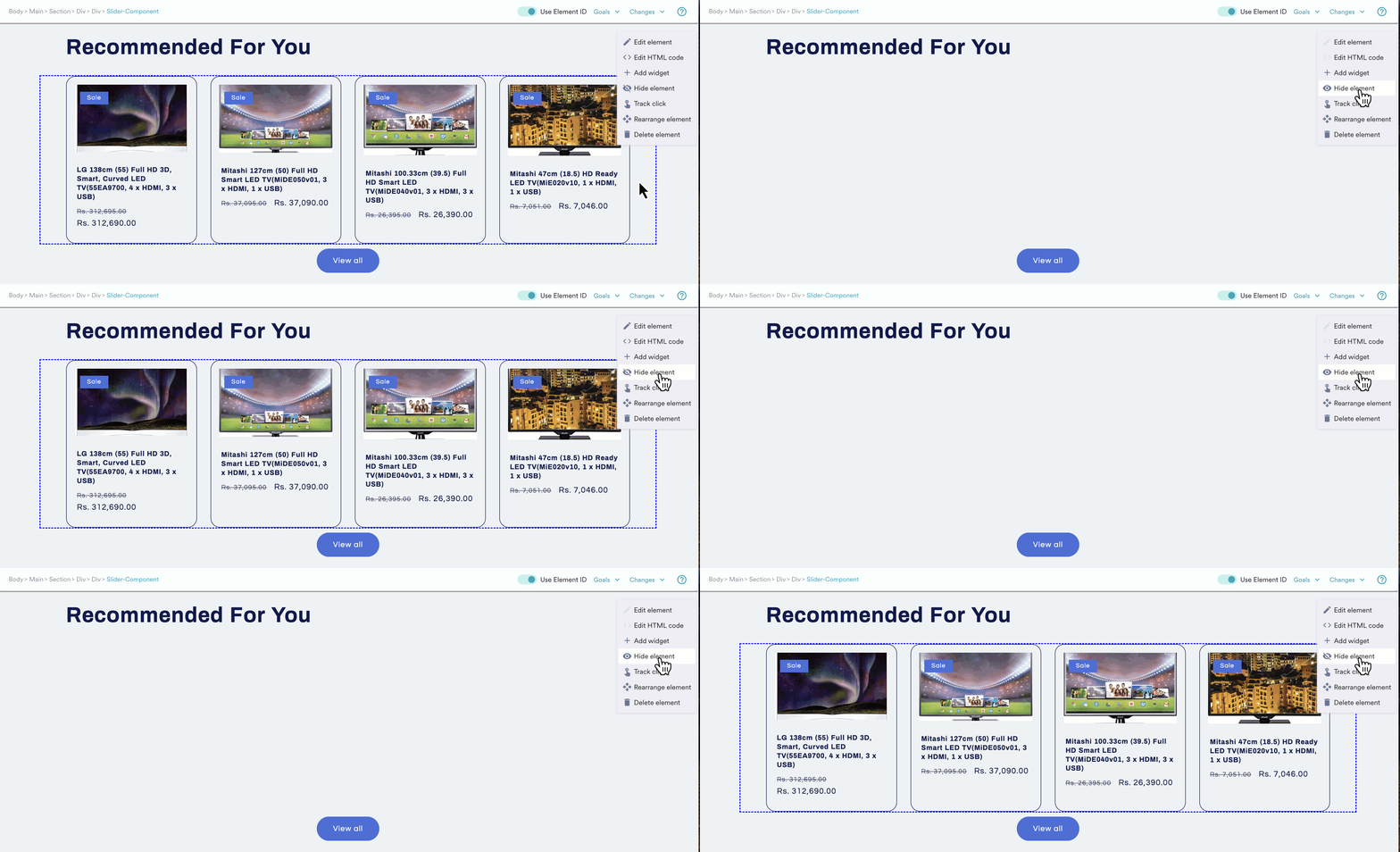
When you hide an element on your web page, the element continues to remain in the DOM in its place with its visibility updated. hide unhide.gif Consider modifying the layout of your app’s Recommendations section to use MoEngage’s Product Grid. In such cases, you may wish to test the outcome by temporarily hiding the current layout and replacing it with MoEngage’s Product grid before committing to the layout. This is where you can use the hide icon to hide any defined element in your application such as a section, text, image, or button.