

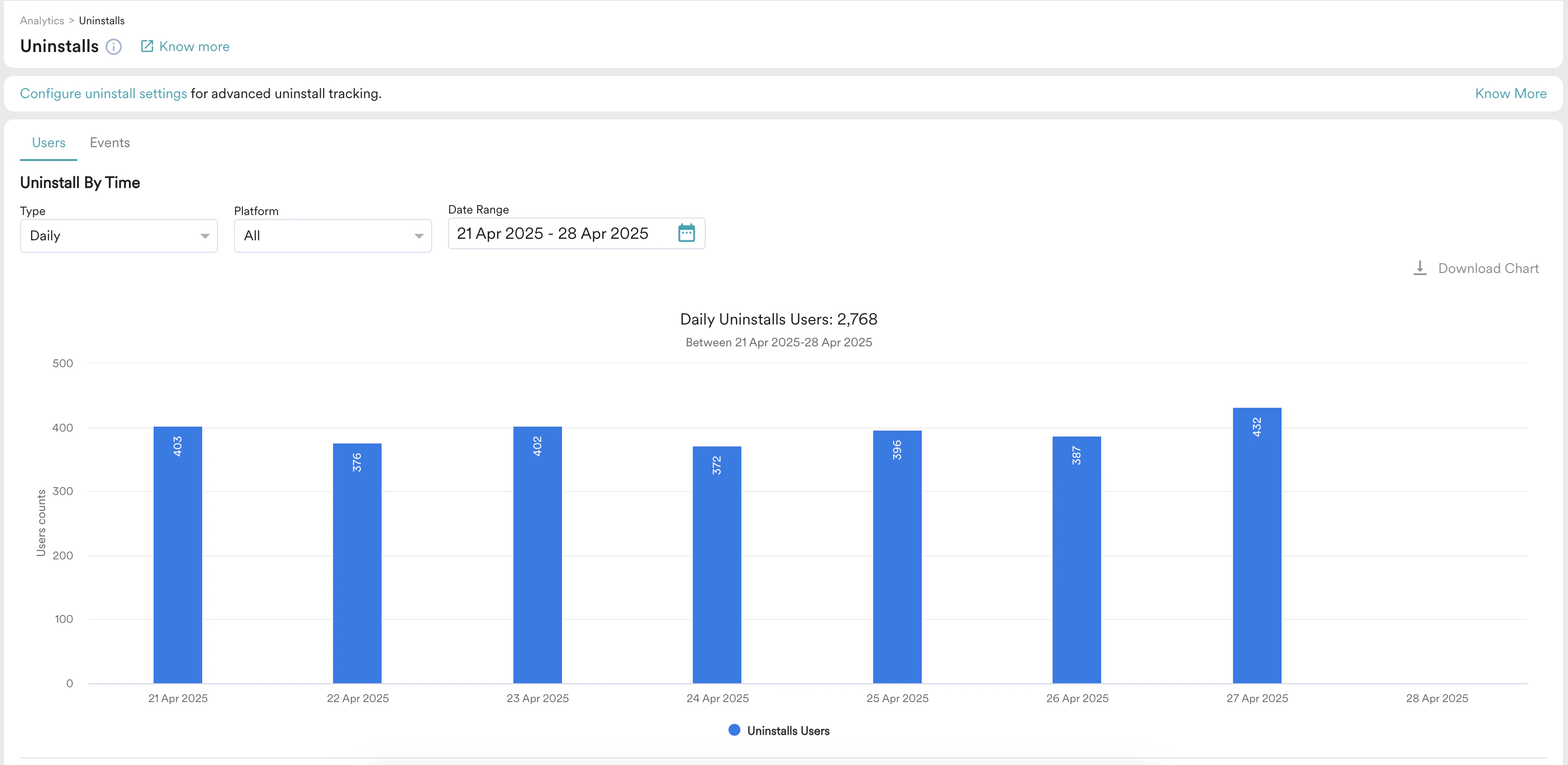
Prerequisites
Before you enable Android uninstall tracking, ensure that your app handles Android silent pushes. If you handle push display in your application, confirm that it handles silent pushes as well. If you see blank notifications with no text or logo in your app, your custom push handling is likely not handling silent pushes. Turn uninstall tracking off until your app handles them correctly.Enable Android Uninstall Tracking
Perform the following steps to enable uninstall tracking:- On the left navigation menu in the MoEngage dashboard, go to Settings > Analytics > Uninstall tracking.
- On the Uninstall tracking page, turn the Android Uninstall Tracking toggle on.
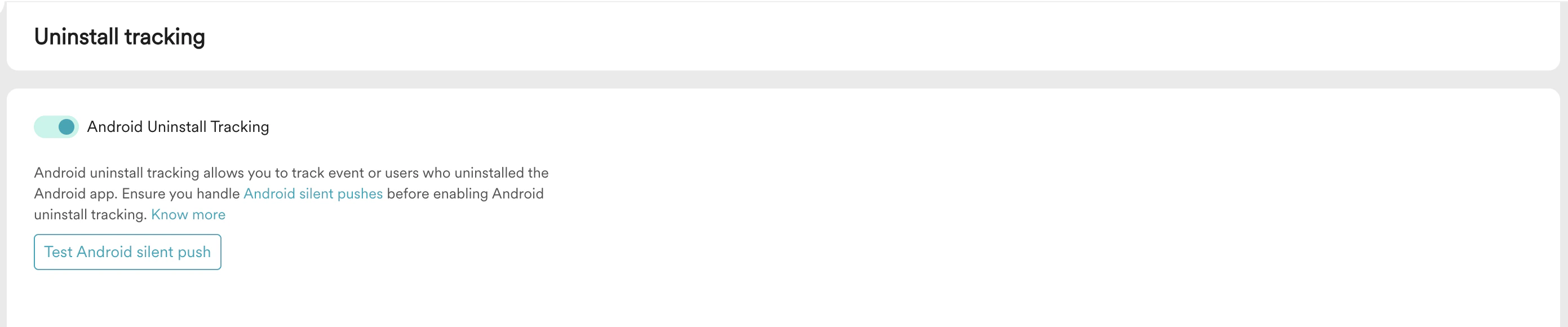
- Click Test Android silent push to confirm that your app handles silent pushes without displaying them to the user.
How MoEngage Detects Uninstalls
MoEngage sends silent push notifications daily to every device associated with your users and captures the responses. A device is marked as uninstalled when Firebase Cloud Messaging (FCM) returns an explicit uninstall error (Not Registered).
For other error codes that do not explicitly indicate that the device is unregistered, MoEngage does not mark the device as uninstalled and continues to send silent pushes to it.
If uninstall tracking is turned off on the dashboard, MoEngage does not proactively check for uninstalls by sending silent pushes. Failed delivery attempts of push campaign messages still show up as uninstalls.
Uninstall tracking for iOS was deprecated on August 10, 2023, following significant adoption of iOS 15 and iOS 16, which do not support tracking failed delivery attempts through silent push. Failed delivery attempts of regular push campaign messages still show up as uninstalls for iOS devices.