Use Cases
- E-commerce/Travel/Hotel brands send email campaigns to sellers, copying the respective account managers.
- Banks copy the customer relationship manager while communicating with premium customers.
Add CC/BCC Recipients
Adding CC/BCC recipients to an email multiplies the email credits consumed. For example, if you create an email campaign targeting 100 recipients along with one CC and one BCC recipient, use 300 credits instead of 100 as 100 credits are consumed for the main recipient, 100 for the CC recipient, and 100 for the BCC recipient.
- Add static Cc/ Bcc addresses: Every email will have the same set of Cc/Bcc recipients.
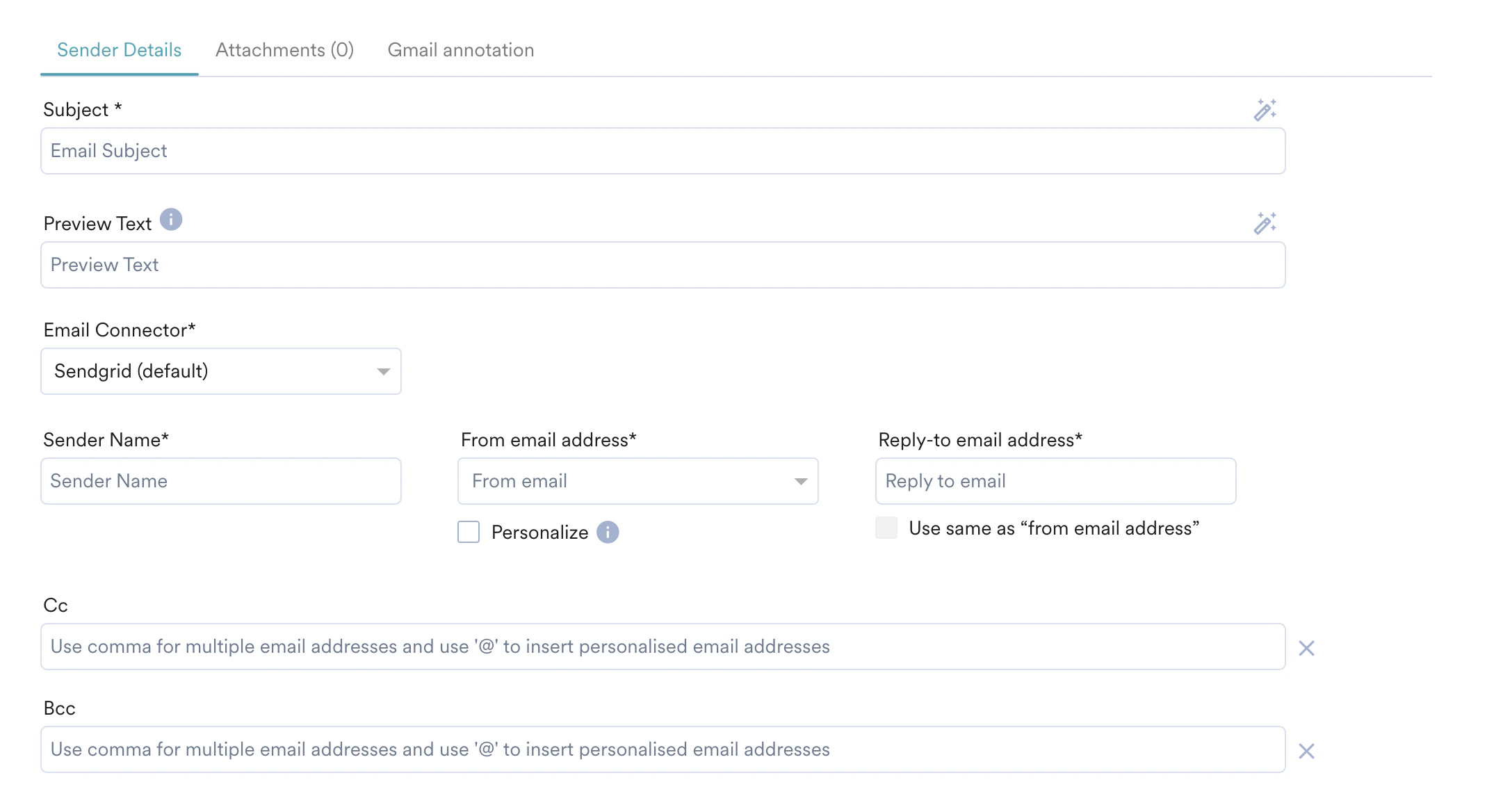
- Add personalized CC/BCC addresses: The Cc/Bcc email addresses are fetched from the personalized attribute. To personalize the Cc/Bcc, type ’@’ and click on the Click to personalize button (that appears on typing ’@’ in the Cc and Bcc fields) to insert the personalized Cc/Bcc email attribute.

Impact of Adding Cc/Bcc on Click and Suppression Tracking
View the Cc/Bcc Recipients for Campaigns
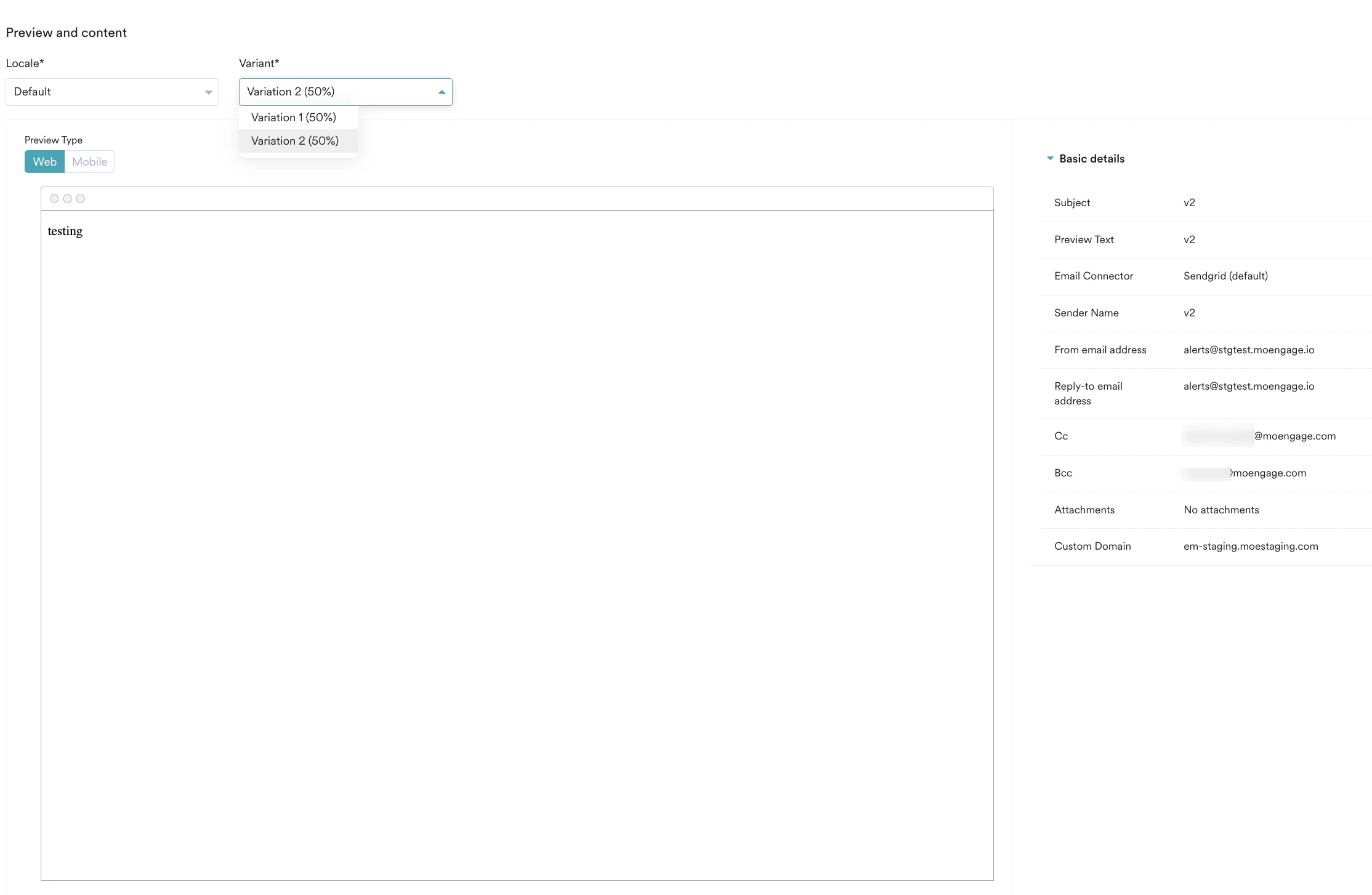
The list of Cc/Bcc recipients added to the campaign is available in the Campaign Info > Preview and content section > Basic details for published campaigns. This information can be viewed for each variation.