

What is Google Ads Audience Sync?
Audiences are a group or collection of users with similar interests or who have expressed similar intents. By creating an audience, you can reach out to potential customers. Google Ads Audience Sync allows you to send user segments directly from MoEngage to Google Ads for targeted campaigns. This feature works with Google Ads Customer Match, which helps you reach potential customers more effectively.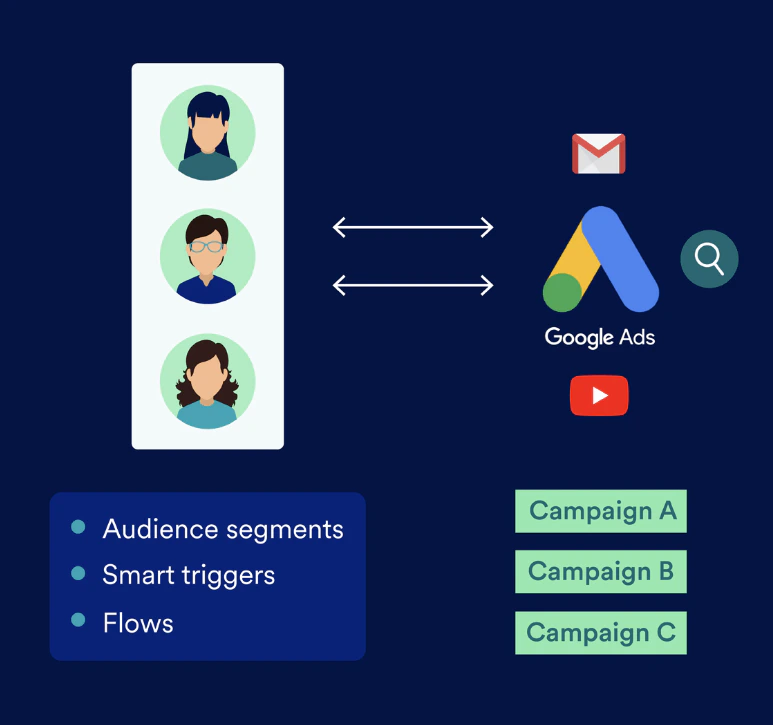
- Email ID
- Mobile Number
- Device ID (Apple IDFA or Android AAID)
You can use Customer Match only when you meet the criteria in Google’s Customer Match Policy.
- Create a new customer match list and send a user segment.
- Add users to an existing customer match list.
- Remove users from an existing customer match list.
Updated EU User Consent Policy of Google
Google’s updated EU User Consent Policy, which came into effect on March 6, 2024, responds to changes in the Digital Markets Act (DMA). This policy requires advertisers to do the following for their users in the European Economic Area (EEA) or the United Kingdom (UK):- Disclose when you use cookies or other local storage, if legally required.
- Obtain consent to collect, share, and use their personal data for ad personalization.
How MoEngage Helps You Comply
MoEngage Google Ads Audience Sync helps you comply with Google’s new EU User Consent Policy when you send EU customer data from MoEngage to Google Ads. MoEngage allows you to sync audiences from third-party sources to Google Ads Customer Match audiences. MoEngage uses the following standard user attributes to manage consent:- Consent for ad user data: This tracks consent for sending user data to Google for advertising.
- Consent for ad personalization: This tracks consent for personalized advertising.
Actions for Marketers: What You Need to Do
If you have customers in the EU region, you must get their permission before sending them ads. If you do not have customers in the EU region, you do not need to take any action.This information applies only if you have customers in the EU region. If not, you do not need to take any action.
- Collect consent from your customers. This usually involves implementing a Consent Management Platform (CMP) on your website or app.
- Update the consent attributes in MoEngage with the collected permission values. You can do this through the MoEngage User Attribute API or other data import methods.
- When you create a user segment for your target audience, add another query to include the relevant consent parameters. For detailed instructions, refer to Create a Google Ads Audience Campaign.